How we made React Native run natively on Samsung TVs
On an Apple TV or an Android TV, KROMA is a real app. The React Native code runs directly on the device, and the system draws everything you see.
On a Samsung TV, it was something else. The app was a website. The TV opened its built-in browser, and react-native-web turned our components into HTML. It worked, but we were really maintaining two apps: one that runs natively, and one that runs in a browser, with its own bugs and its own slowdowns. Getting a poster grid to scroll smoothly on an entry-level Samsung took us a whole series of optimizations.
We wanted Samsung on the same side as Apple and Google. That became react-native-tizen, an open source package that runs a React Native or Expo app natively on a Samsung TV. Here is how we got there.
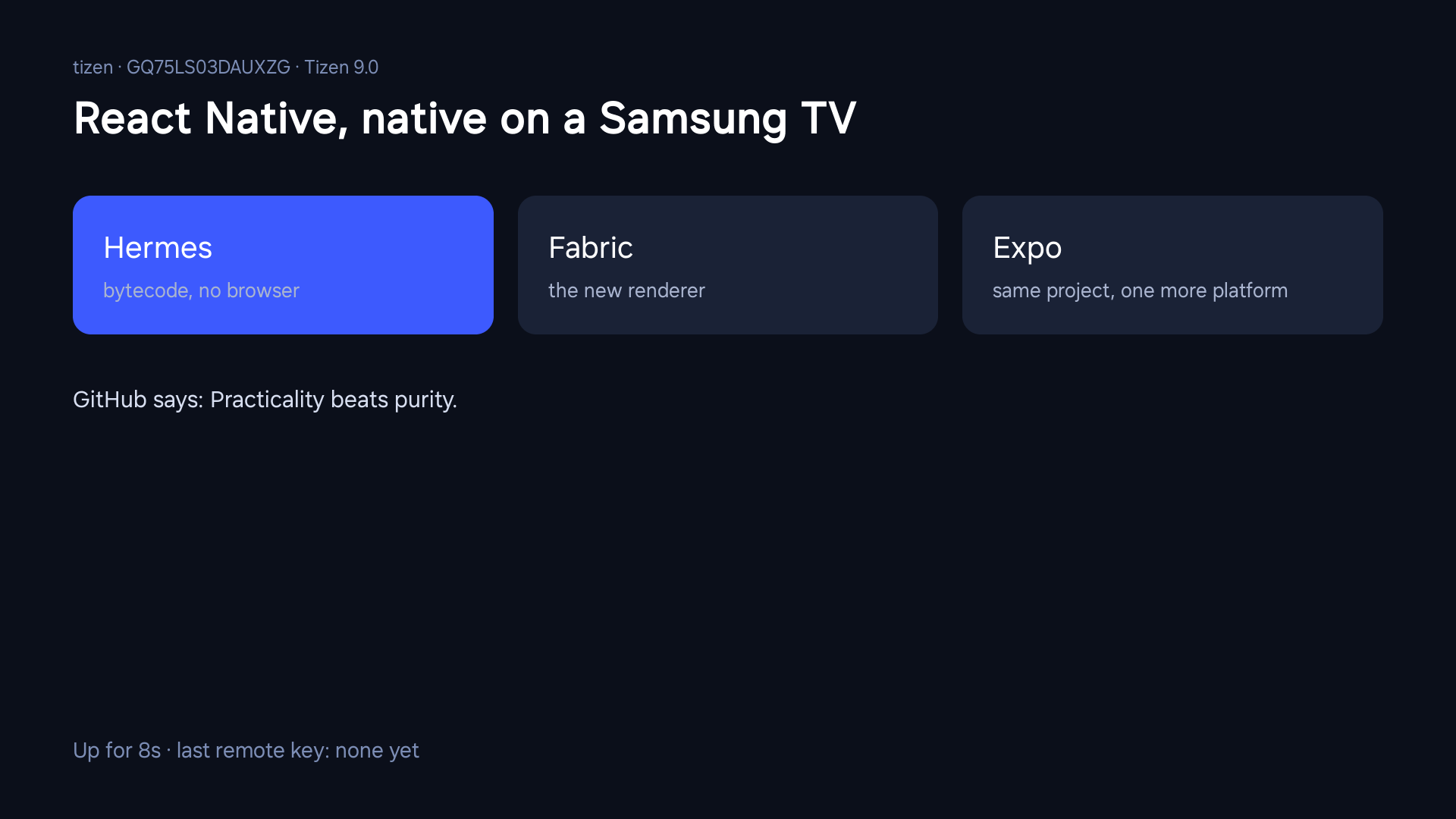
Samsung's store does not take native apps
Samsung accepts two kinds of apps on its TVs: packaged websites, and .NET apps written in C#. An app compiled from C++, the way React Native is on Android or iOS, has no place there.
There is a way in, though. A .NET app is allowed to bring a native library along and load it at startup. Flutter already does this on Tizen, and we did the same.
So the app you install on the TV is a small .NET shell. Its only job is to load our real app:
.NET app, the only thing the store sees
└── libreact-native-tizen.so
    ├── Hermes, React Native's JavaScript engine
    ├── React Native's core: Fabric for rendering, Yoga for layout
    └── our Tizen layer, which draws with EFL, the TV's graphics library
There is no browser left. When React renders a <View>, a real graphics object
of the TV shows up on screen, the way a UIView does on an iPhone.
That way in has a limit. On TVs from before 2021, Samsung blocks native libraries that an app brings with it, and there is nothing we can do about it. Those TVs keep the web version of KROMA.
One app for six years of TVs
Every year Samsung ships a new version of Tizen, with its own versions of the system libraries. An app compiled for a 2025 TV may not start on a 2021 one, because some functions are missing.
We came at it from the other end. We compile against the oldest version we target, Tizen 6.0, the one on 2021 TVs. What works on the oldest works on every later one. For the little that was missing, we ship our own copies inside the app.
On paper, one package now covers every TV from 2021 to 2026. In practice, we have only checked it on one TV so far. More on that at the end.
The day Hermes wrote "uppered"
Languages gave us the best surprise. KROMA is a French app first. It needs dates like "12 novembre", correct plurals ("1 épisode", "3 épisodes") and titles sorted in the right order, accents included.
On a phone, the system provides all of that through a library called ICU. The TV has one too, but it changes version every year, and Hermes would need a rebuild for each one. We could not rely on it.
So we compiled ICU into the app. Along the way we found that Hermes'
toLocaleUpperCase does not uppercase anything. It returns the word "uppered".
We replaced that part, added FormatJS for plurals and numbers, and trimmed ICU's
data down to the app's own languages. For an English-only app, that data weighs
2.5 MB.
Making React Native believe Tizen is Android
React Native knows two platforms, Android and iOS. In React Native itself and in
its libraries, a lot of code checks things like
if (Platform.OS === 'android').
We chose to present Tizen as an Android with another name. Platform.OS is
'tizen', so an app can tell it apart. But when React Native looks for a file,
it takes the Android version, unless it finds a .tizen version next to it. Of
everything React Native supports, Android's code is the closest to a TV.
When that is not enough, we fix things one at a time. The text input, for
example, picks its whole implementation from Platform.OS. In those two files,
and only there, we make the code read 'android' at build time.
The remote
Our TV code was written for Apple TV and Android TV, with
react-native-tvos, the
version of React Native for TVs. We kept the same rules on Samsung. A key press
sends one event. A key held for 300 ms sends longSelect. The Back button goes
through BackHandler, as on Android. To our code, a Samsung TV behaves like an
Apple TV.
Unlike tvOS, Tizen has no built-in focus handling. That did not bother us, since KROMA already moves the focus itself.
Developing without Tizen Studio
Normally, building for a Samsung TV goes through Tizen Studio, Samsung's official development environment, and its command line tools for installing and signing apps. We wanted it to be as simple as Android.
So we rewrote in TypeScript the two things we needed it for: talking to the TV to install the app, and signing the package. Samsung encrypts its certificates with an old algorithm, RC2, that Node can no longer read. We rewrote that too. Tizen Studio is now needed once, to get Samsung's certificate.
For an Expo developer, it looks like this:
npx expo install @kromatv/react-native-tizen
npx rn-tizen init
npx expo start   # then press t to open the app on the TV
You get what you get on Android: hot reloading, logs in the terminal, errors shown on the TV and React Native's DevTools.
And when there is no TV around, there is a simulator. Samsung's emulator does not run on Apple silicon Macs, so we run our engine in a Linux virtual machine, right on the Mac. Only video does not work there.
The numbers
We measured on a 2024 Samsung The Frame, with a screen that looks like a catalog: a list of 1,000 rows and a dozen animations. We compared it with the same screen built as a website.
- The native app draws its first frame in 1.2 seconds, against 2.1 seconds for the web version.
- The animations keep pace with the screen, 50 frames per second, without dropping a single frame.
- While the focus moves down the list, 22 frames drop in almost two minutes.
- The app weighs 8 MB, against 160 KB for the web version.
The last number is the price. The app carries its own JavaScript engine, React Native and ICU, where the web version leans on the TV's browser. But you download it once, and it starts almost twice as fast every time.
The full method is in the benchmarks.
A bug that hit Apple TV too
At one point, a list stayed empty. A FlatList with flex: 1 was 1 pixel tall,
and nothing showed.
We assumed the bug was ours. It came from react-native-tvos. On a TV, every list
is wrapped in an invisible component that handles focus, and that component did
not receive the list's flex: 1. So it took its minimum size, 1 pixel. The bug
hit Apple TV and Android TV as well.
We fixed it on our side (the fix), then sent the analysis to react-native-tvos (#1175). Douglas Lowder, who maintains the project, opened a fix for every TV (#1176). It is still in review as we write this.
That is one more reason to publish this work. A bug found on a Samsung can fix one on an Apple TV.
Why it is its own project
KROMA is under the AGPL, which requires any project that reuses the code to
publish its own under the same licence. So that any app can use it,
react-native-tizen lives in
a separate repository, under the
MIT licence, and ships on npm as @kromatv/react-native-tizen.
KROMA is its first user. Our TV app installs it from npm like any other project. When something is missing, we fix it in the package, never in KROMA.
What is left
This is an alpha, and it has run on one TV only, a 2024 The Frame on Tizen 9.0.
In theory it covers TVs from 2021 to 2026, but we have not been able to check
other models yet. SVG rendering is incomplete, and some Expo commands, such as
expo prebuild, do not know about Tizen yet.
If you have a Samsung TV from 2021 or later, the quick start shows how to run an Expo app on it. And if something breaks, tell us.